




BC Poker login Canada: Secure Access to Your Poker Account
For returning Canadian players, signing back in to BC Poker works through the official website, mobile site or supported app with an existing profile. You can authenticate through verified contact details or a linked quick sign-in service, depending on the original account setup. BCPoker is available across most of Canada, with Ontario excluded from the supported Canadian area.
Key Takeaways
- How to sign in to BCPoker across devices and authentication methods;
- What to do if you’ve forgotten your password or hit a security lock;
- How your account stays protected, and what’s available once you’re signed in.
Sign in through the official client and enable the 6-digit two-factor check for stronger account protection.
BCPoker Account Access by Email, Phone and Social Methods
For existing users, signing in to BCPoker works through conventional, social and Web3 authentication routes. Each route connects to the same player profile. The correct choice depends on how that profile was linked during setup.
| Access method | Required account connection |
| Verified email | email address and password |
| Registered phone | mobile number with password or SMS code |
| Google or Telegram | linked social account |
| MetaMask or WalletConnect | connected Web3 wallet |
Canadian players can therefore choose the credential path already attached to their profile. A different sign-in method should not be treated as a reason to create another account. Keeping one established profile also simplifies later recovery.
Sign-In Steps for Web Browser and App
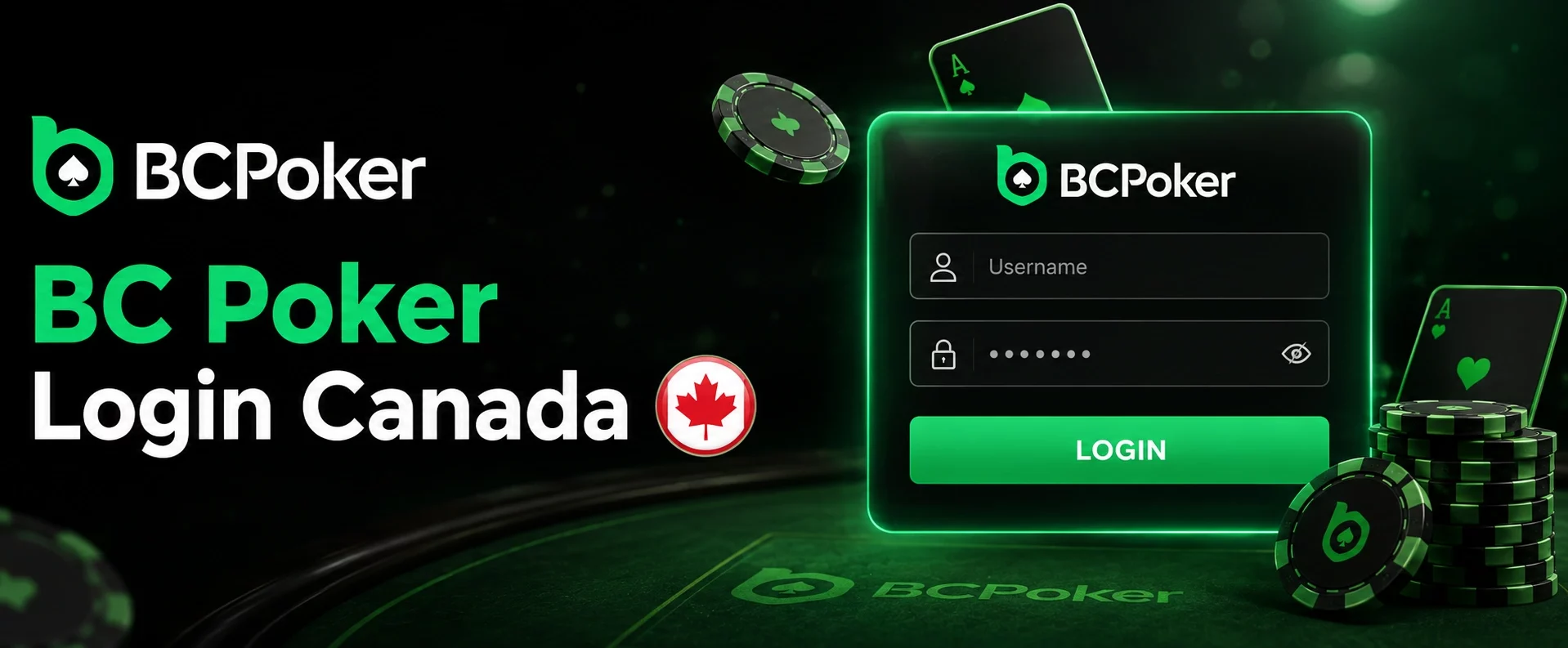
The browser and app follow a similar authentication sequence. Start from the official website or application. Open the account form before entering any credentials.
- Open the sign-in form: use the official site or app and select the account access option.
- Choose the authorization method: select the credential type already connected to your profile.
- Complete authentication: submit the requested password, code or linked-service approval.
A successful check returns you to the existing profile. Complete any additional security request before trying another device. This keeps the session tied to the correct account.
BCPoker Mobile and Desktop Account Access
One profile can be used through a desktop browser, mobile browser and supported application. This suits Canadian users who regularly switch between computers and phones. The same account remains connected to poker and profile functions.
Desktop access provides more screen space for longer sessions. Mobile access keeps the main account controls available while away from a computer. On shared hardware, sign out after the session instead of leaving credentials stored.
App Sign-In, Biometrics and Two-Factor Authentication
Two-factor authentication adds another checkpoint after the main credentials are accepted. The configured authenticator supplies the required code during protected entry. A password alone is therefore not enough to finish that session.
Supported iPhone and Android devices can also use Face ID or fingerprint recognition. Biometric access is best kept on a personal phone with its own screen lock. If biometrics are unavailable, the normal credential route remains available.
Password Recovery and Account Problems in Canada
For Canadian users, a BC Poker login may fail because of incorrect credentials, unverified email, a security flag or a location check. Identify the cause before repeatedly changing passwords. Recovery tools are designed to restore the existing profile rather than create another one.
A changed network, device or location can also produce another security prompt. Keep the registered contact details accessible for recovery messages. If the problem is not resolved through the account tools, move to official support.
Forgot Password and Email Verification
Forgot Password starts recovery for the profile already on record. The registered email should be verified before the new credential is used. New users should also check the inbox and spam folder for the verification message.
Start the reset only from the official account form. After changing the credential, return to the original profile instead of registering again. Support can assist if the registered email or username is no longer remembered.
Security Locks and Access Errors
Security controls can restrict entry when activity looks inconsistent with normal use. An unfamiliar location or other flagged pattern may lead to an additional review. Repeated password attempts will not resolve a security restriction.
Use official support when self-service recovery does not clear the lock. The team may request identity verification before restoring the protected profile. Never send a password, private key or other sensitive wallet credential during that process.
BCPoker Account Security and Safe Sign-In
Account protection starts with using only the official website, mobile service or application. Imitation pages can copy familiar sign-in layouts and collect credentials. Check the destination before entering account information.
Use a strong password that is not reused on another service. Keep saved sessions away from public or shared devices. If an entry page looks suspicious, close it and return through the official route.
Encryption, Activity Logs and Account Protection
Session encryption protects data while account information moves between the device and service. Activity records can include sign-in timestamps and IP information. Unusual access can therefore trigger an alert or further review.
Two-factor authentication should remain under the account owner’s control. Review unfamiliar activity promptly instead of ignoring it. Combining encryption, activity review and strong credentials reduces reliance on a single protection layer.
Access to Poker Lobby and Wallet After Sign-In
After authentication, the player can enter the poker environment and use profile functions from the same account. Cash games and tournaments are available through the poker area. Separate registrations are not needed for different poker formats.
The signed-in profile also connects to balance management. Deposit and withdrawal sections are available from the account environment. The live cashier shows the transaction choices currently available for that user and region.
Cash Games, Tournaments and Player Balance
The poker lobby lets the authenticated player select a cash table or available tournament. Paid tournament entry uses the balance connected to that profile. Registration then places the player into the selected event under its displayed conditions.
Wallet controls support balance management and transaction requests. Before a withdrawal, review the asset, network, destination details and any security prompt shown. Transaction history can then be used to follow the submitted request.
BCPoker Support for Account Access in Canada
When signing in to BCPoker runs into a password issue, missing verification message or locked profile, Canadian users can move from self-service recovery to official support. The contact route covers technical and authentication issues that remain unresolved on the sign-in screen. It also provides a controlled path for restoring the original account.
Share only information needed to identify the case. Do not include passwords or private wallet keys. Clear details about the access issue help support assess the appropriate recovery step.
Live Chat, Email and Account Recovery
Live chat is suited to account access questions that need direct assistance. Email support is available when the issue requires a longer written explanation. Both channels can be used for authentication, verification and recovery problems.
A protected profile may require an additional identity check before access is restored. Follow those instructions only through the official support route. Recovery should remain attached to the original profile rather than a duplicate registration.